Go to CONNECTORS
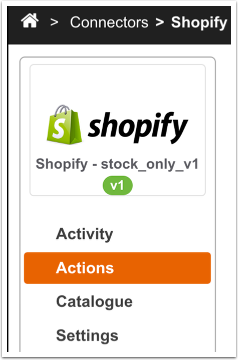
Click on the Shopify Connector to view tasks.
Task: Price - Export
Click on the green arrow next to the Price Export action.
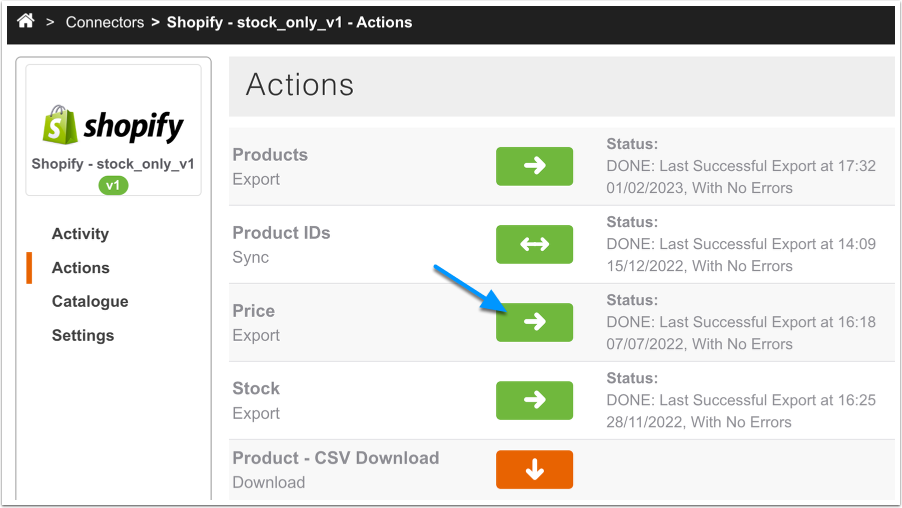
The Price Export action will be running in the background. Depending on the number of products you are exporting, this process can take up to 30 minutes. You can monitor the progress of the Price Export action by going to Connectors > Shopify > Activity area.
RRP Value Sent
RRP will be sent to Shopify from the season you have selected in your Connector Settings.
If you have selected multiple seasons in your Connector Settings, the Connector will send the RRP from the most recent Season that the Product is visible in.
Markdown Value Sent
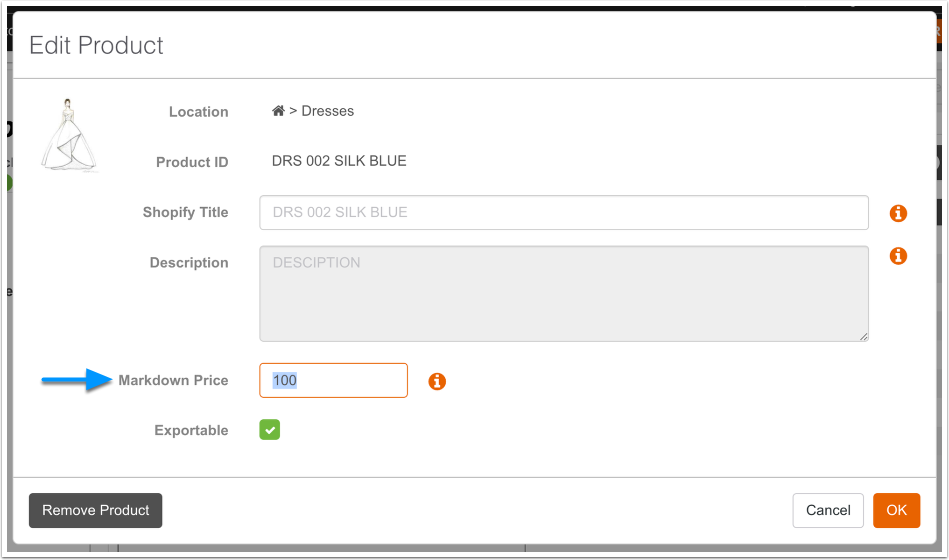
Markdown prices will be sent from the 'Markdown Price' field set in your Catalogue.