
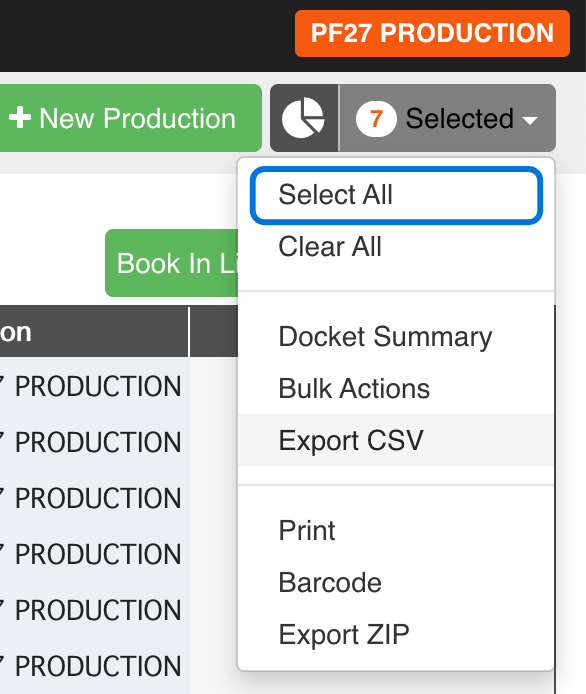
- Select one or more Production Orders, or choose [Select All].
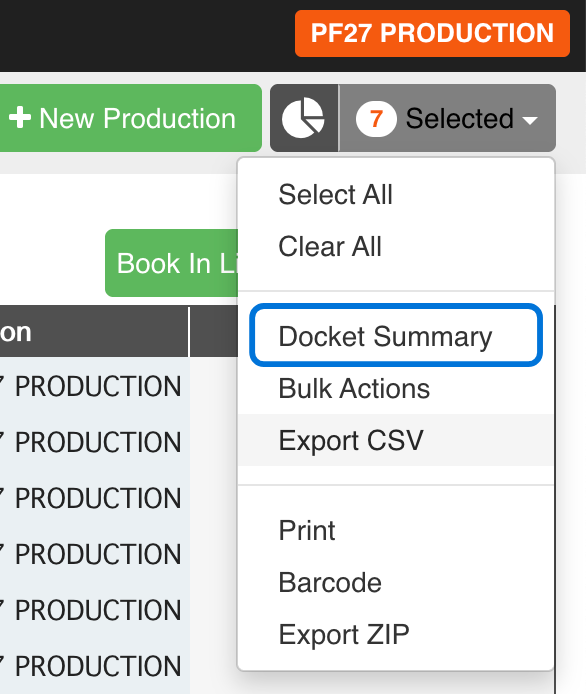
- After making your selection, click [Docket Summary] from the dropdown menu.
- Review the status of your Productions Orders visually, by quantity or by value.
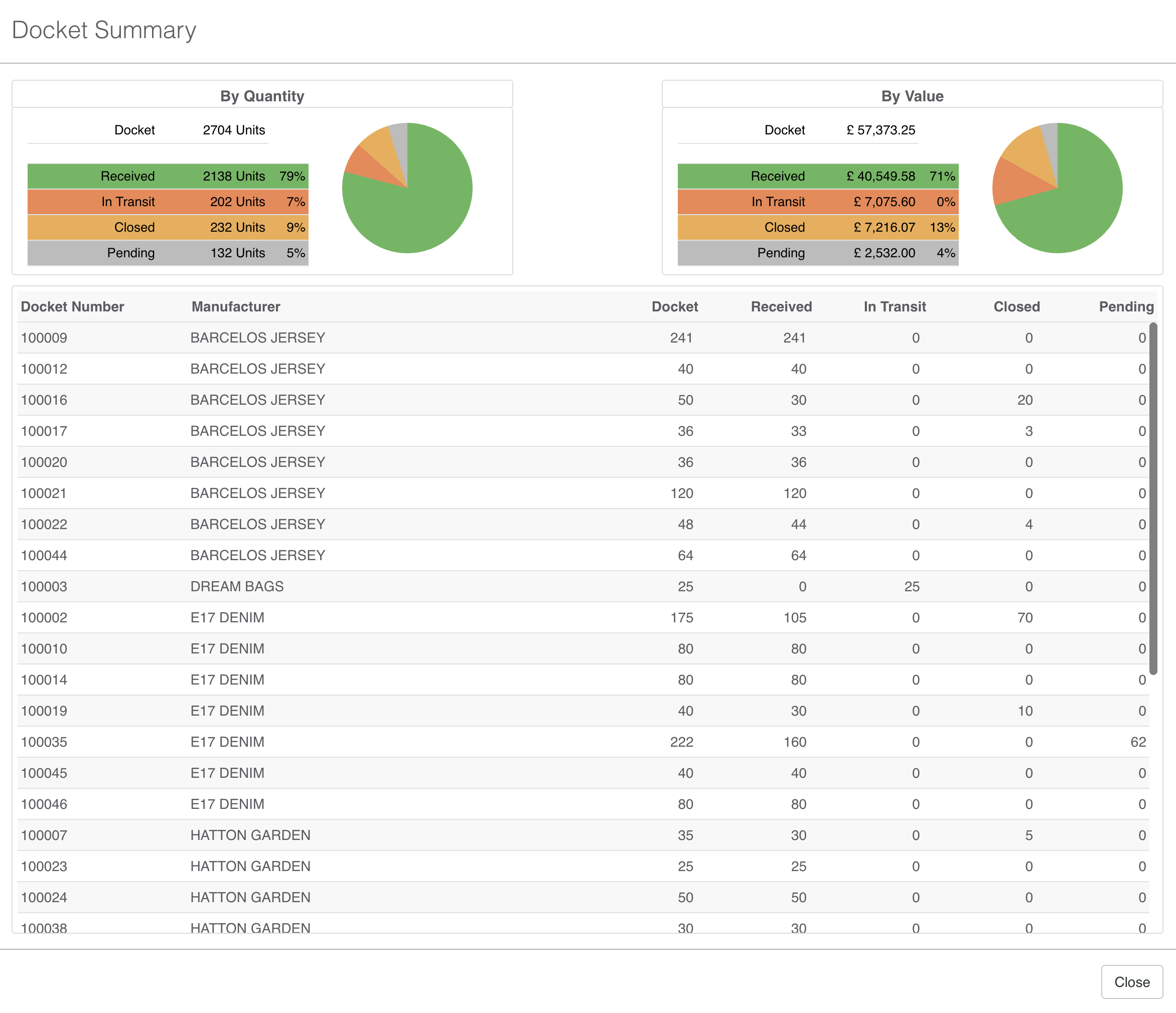
GREEN = Received
ORANGE = In Transit
YELLOW = Closed
GREY = Pending
In the Summary Details you can see the breakdown for each Production Order